
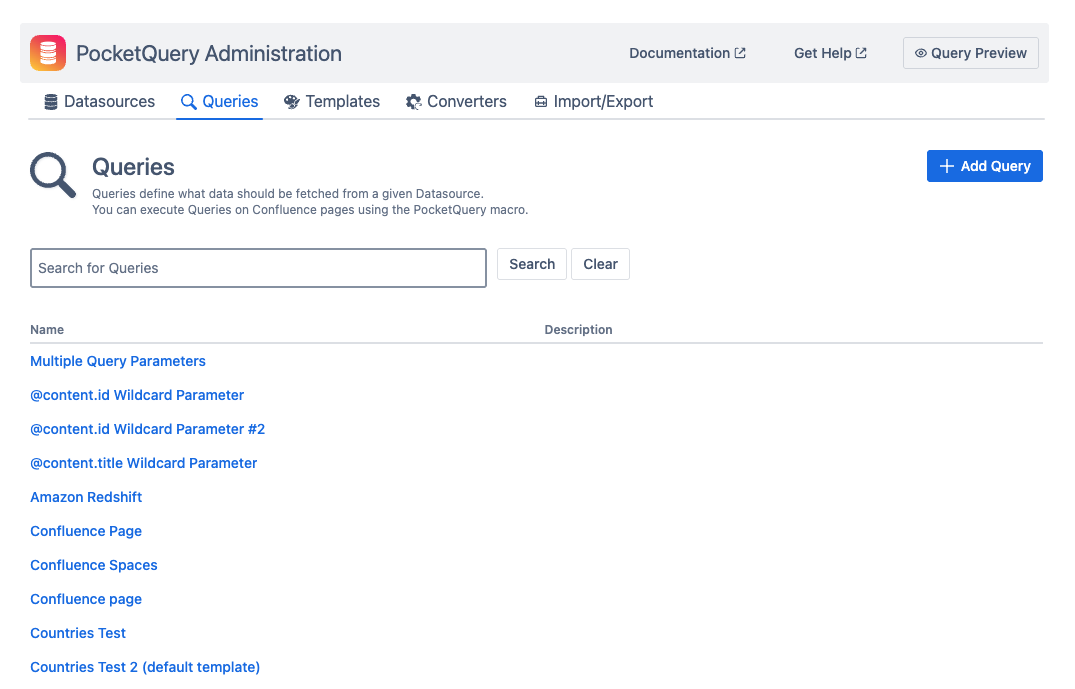
Queries are a type of PocketQuery Entity that defines what data shall be fetched from a given Datasource. They can be executed using the PocketQuery macro. Each Query can also be assigned a Template and a Converter for changing how its result is displayed in a Confluence page.
Properties
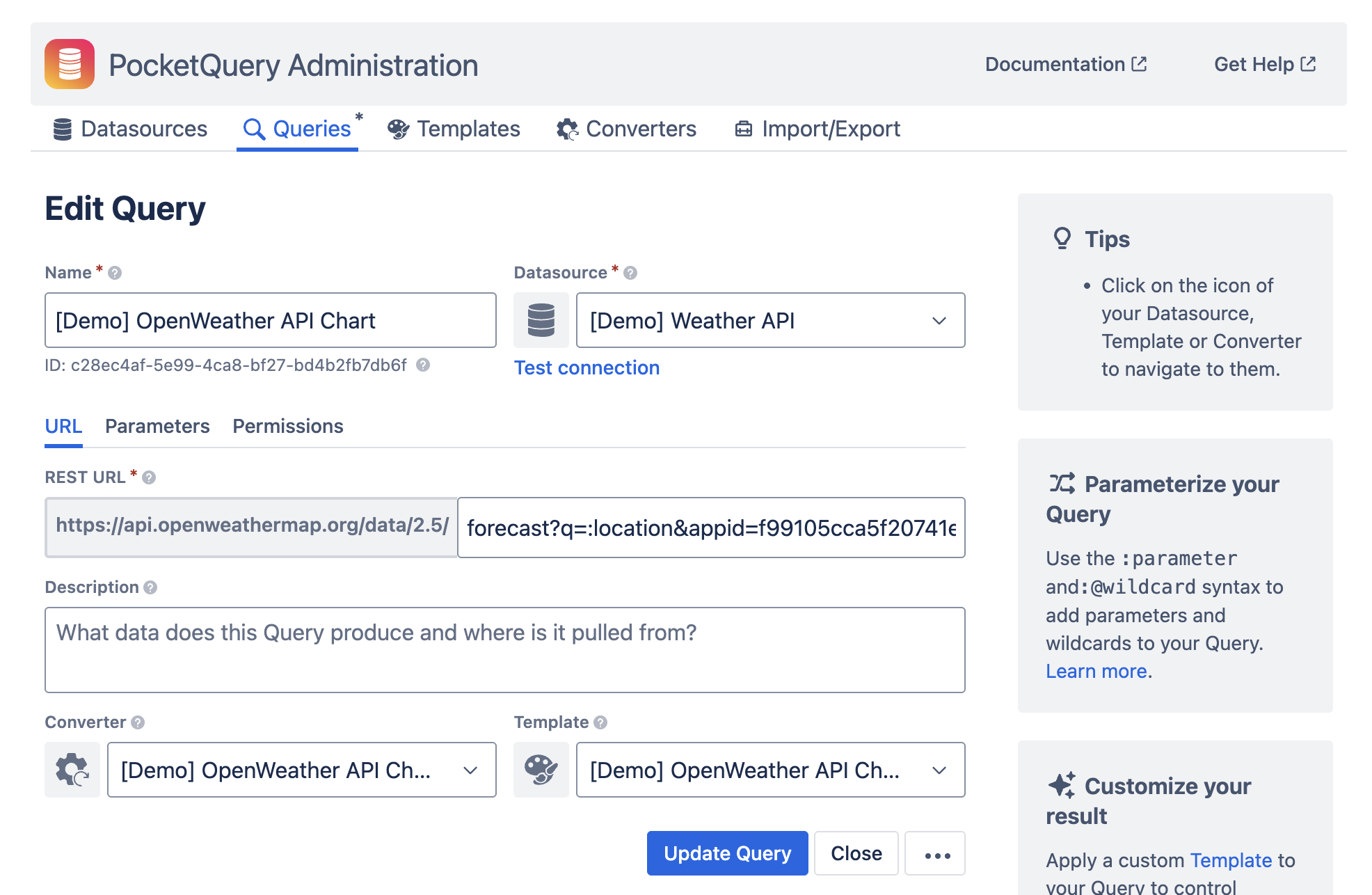
All Queries consist of the following properties:
|
Name |
The name identifying the Query. |
|
Datasource |
The datasource against which the Query is being run (referencing a Datasource Entity). |
|
Description |
(Optional) Provide a description of your Query. This description will appear in the list of Queries to help identify its purpose. |
|
Template |
A template used to display the result of the Query in the Confluence page containing the PocketQuery macro. References a template entity. If the Default template is selected, a default PocketQuery template is used. |
|
Converter |
Converter used to transform the response of the Datasource before it is handed on to the Template. See the “Converters” section. |
|
Spaces |
Spaces this Query should be available in. If no space is selected, the Query can be executed in any space. |
Depending on the type of the Query, there are some more properties. Please refer to the sections below.
Query Statement
As Datasources can be either JDBC databases or REST APIs, there’s also two types of Queries:
-
If a Query belongs to a JDBC Datasource, it will require you to enter a SQL statement.
-
If a Query belongs to a REST Datasource, it will require you to enter a Path that will be appended to the Base URL of the REST API.
Query Parameters
PocketQuery allows you to add parameters to your Query Statement. This can be done via the :parameter-syntax. Users can later define values for parameters in the PocketQuery Macro.
Learn more about Query Parameters.
Query Wildcards
PocketQuery lets you use wildcards as parameter values instead of fixed ones. These wildcards will be replaced by a given value from the Query context before the Query is executed.
Learn more about Query Wildcards.
Query Usage
The “Pages with this query” section in the sidebar lists all Confluence pages where this query is used, with links for easy navigation.
Learn more about Query Usage.
Resource limits in PocketQuery
For more information on resource limits related to Queries, check out this article.