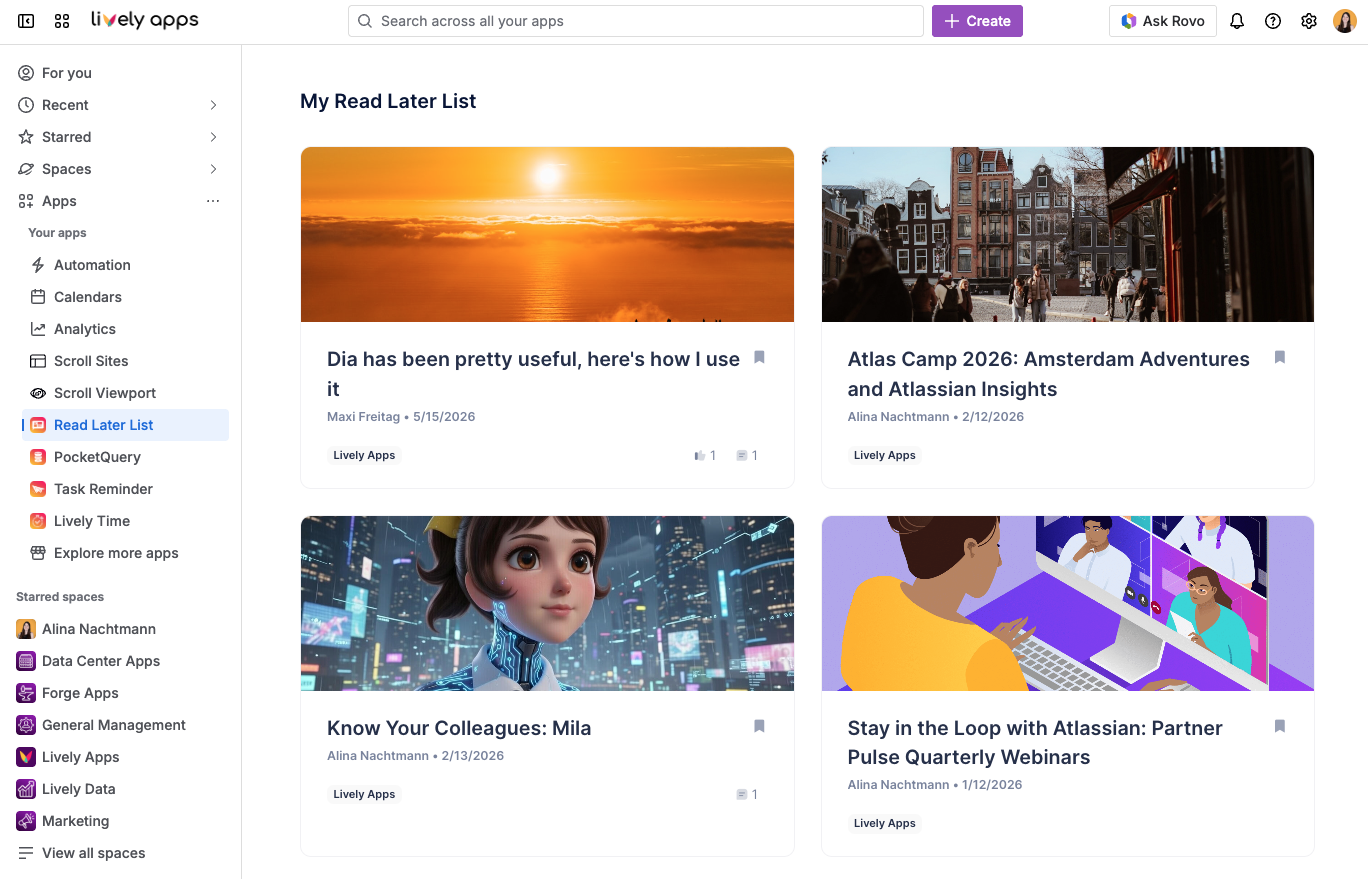
Use Read Later whenever you want to park a blog post or page and return to it later.
Save content from a page or blog post
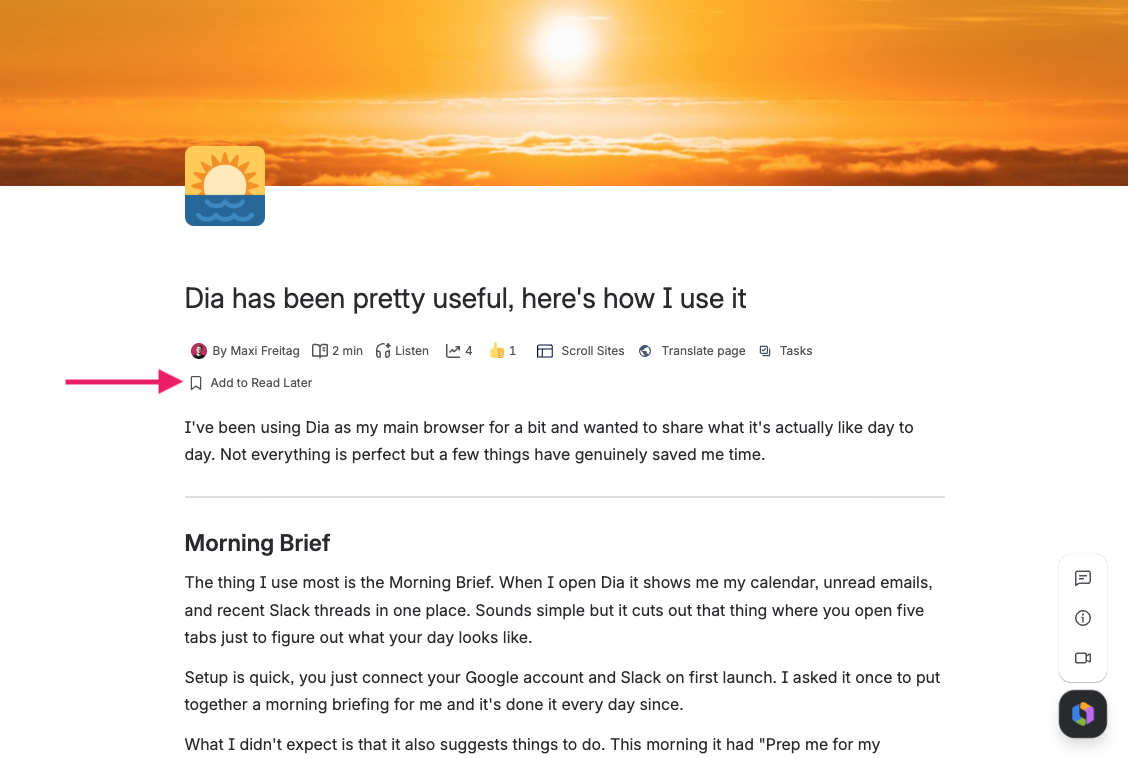
Below the title you find the Read Later control. Turn it on to keep the page on your list, or off to remove it:
Save content from a feed
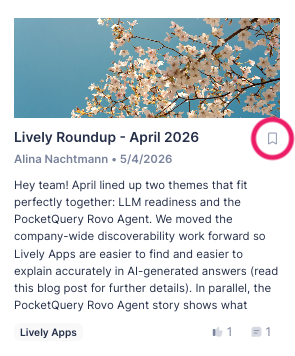
Cards in the Homepage Feed and in the Lively Blogs Macro show a bookmark icon on each row. Activating the bookmark stores the item without navigating away from the feed.
Open your list
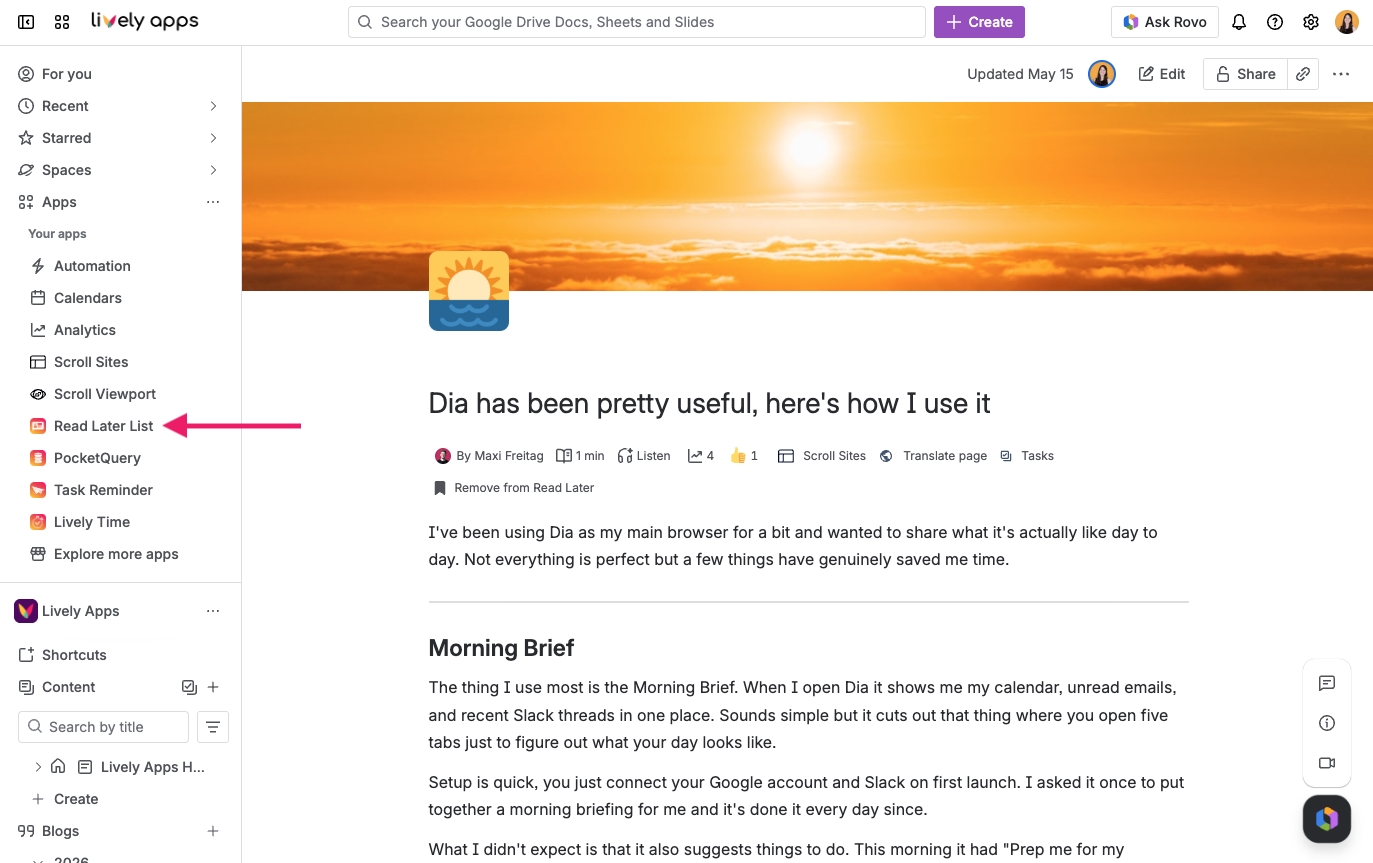
Go to Apps → Read Later List in the Confluence sidebar:
The page lists every saved item in a paginated grid. Remove items you no longer need easily by clicking the bookmark icon.