
The PocketQuery Builder Rovo agent helps PocketQuery editors and administrators create and edit Queries through a conversation in Rovo chat. Describe what you want to know, and Builder writes the Query with you, step by step.
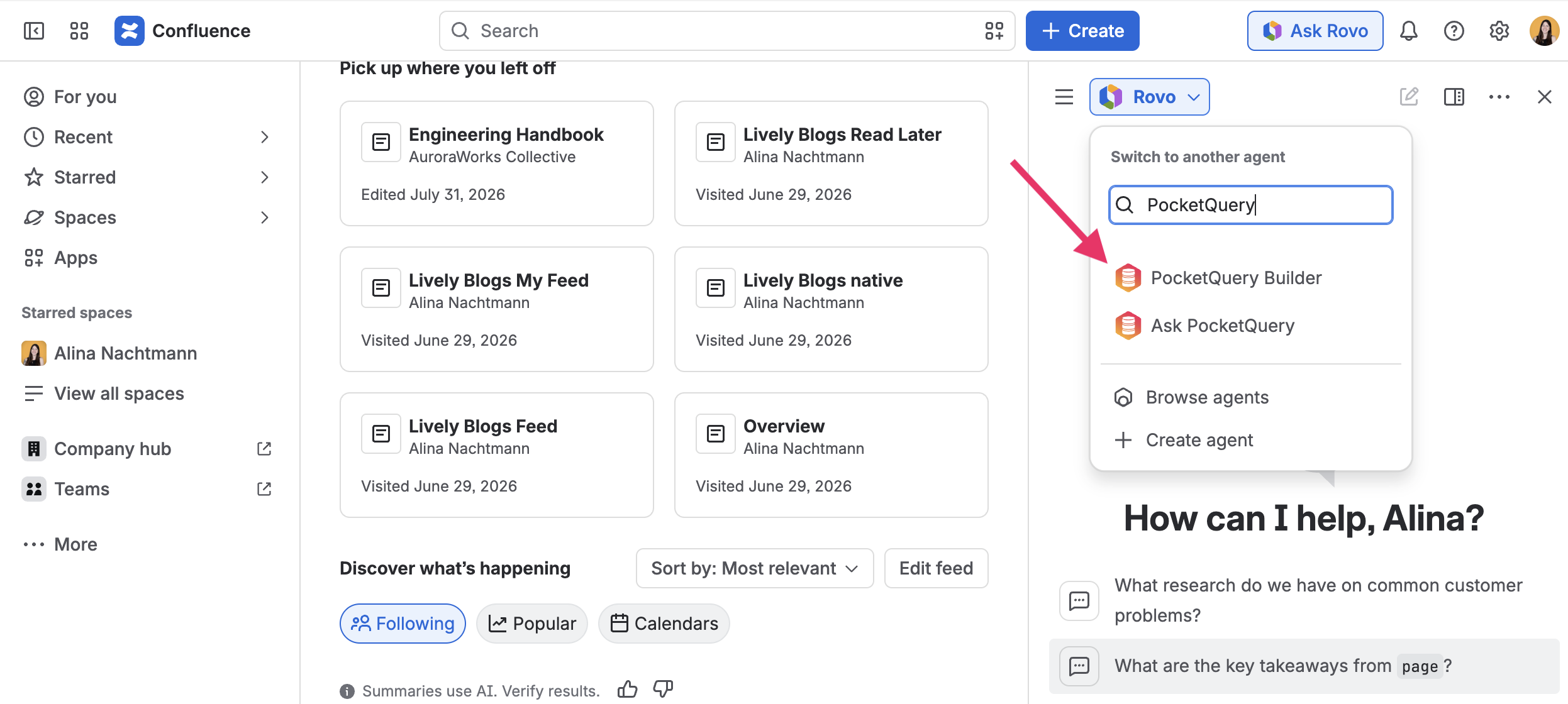
Rovo must be enabled on your Confluence site for the agent to appear. Open Rovo chat, browse the agents, and select PocketQuery Builder.
Only PocketQuery editors and administrators can use Builder.
Create or edit a Query
Open Rovo chat and select the PocketQuery Builder agent:
Ask Builder to create a new Query or to change an existing one. Just use natural language and Builder will guide you through Query creation:
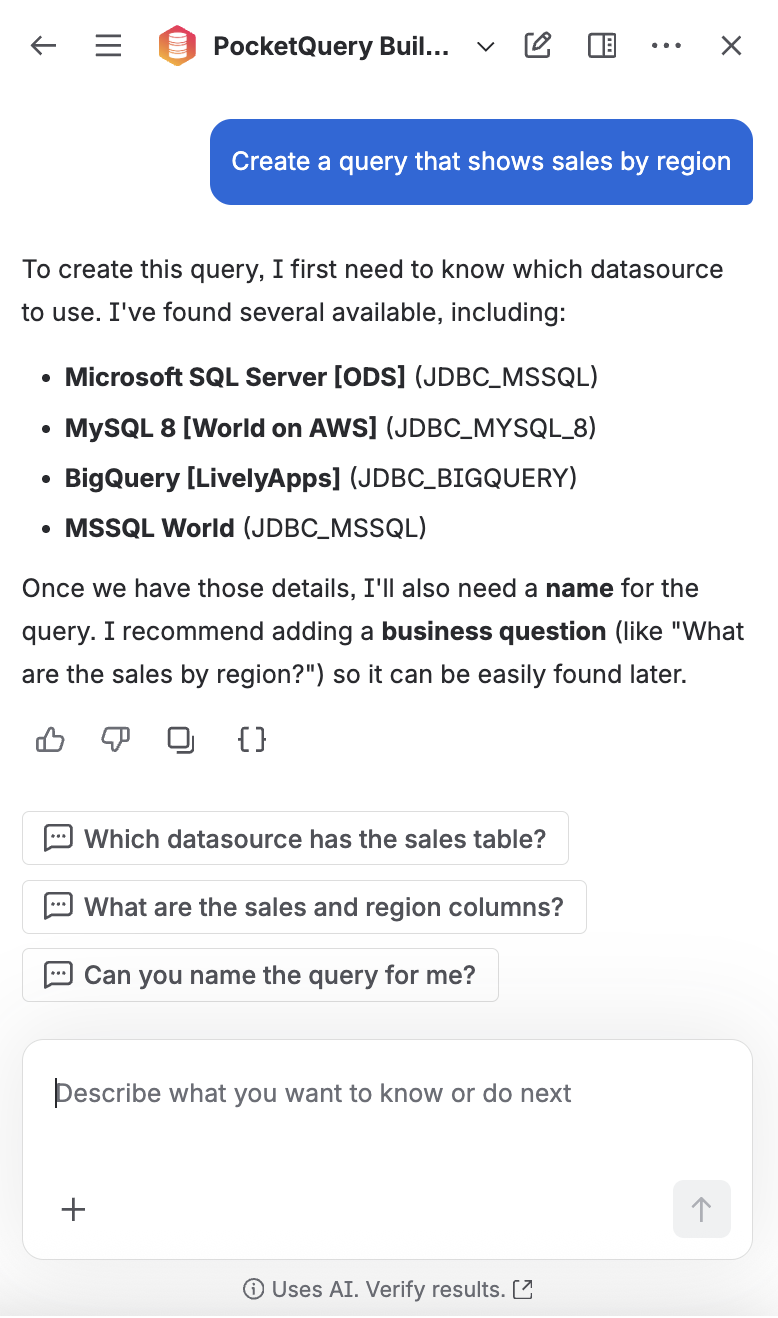
Builder only offers Datasources that are actually configured on your site, and asks for anything missing instead of guessing.
For a new Query, Builder can set:
-
a Name
-
a Datasource
-
a Statement (SQL or REST path, depending on the Datasource)
-
optionally a Description and a Business Question
When you ask Builder to change an existing Query in your own words, everything you did not mention stays as it was.
Nothing is created or changed until you ask Builder to save.
Try a Query before saving
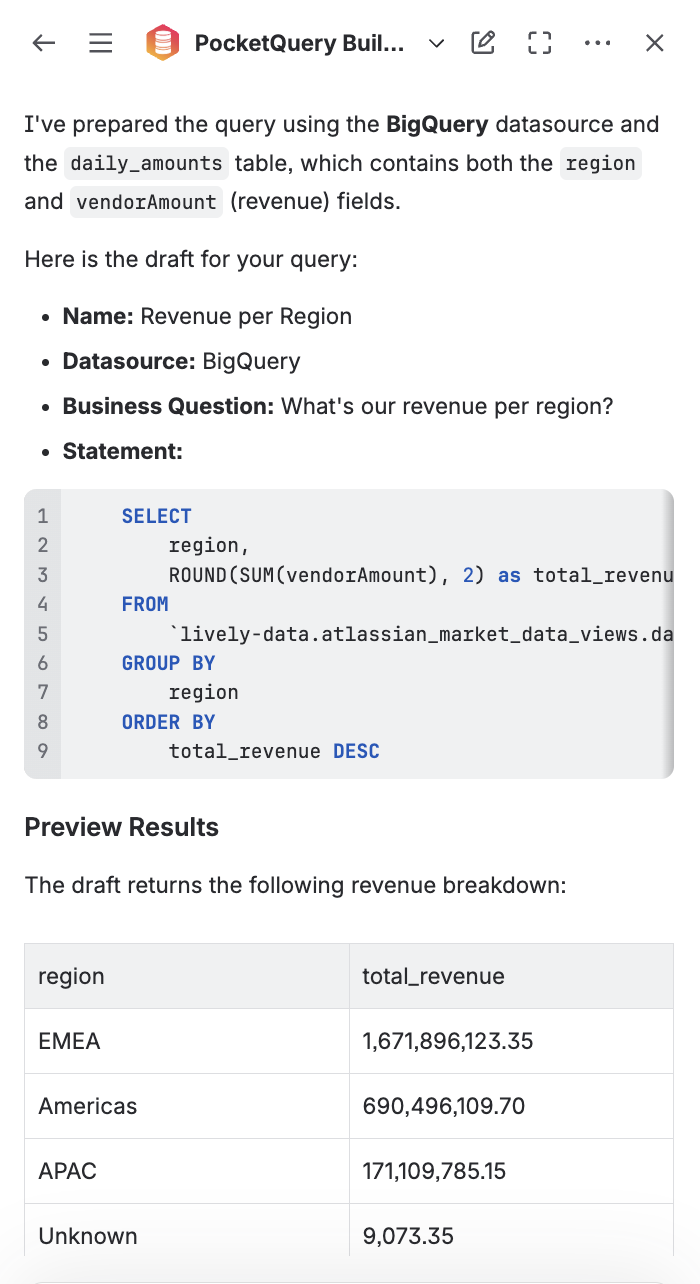
While Builder is proposing a Query, you can ask it to try the Query first. Builder runs the draft against the selected Datasource without saving anything.
-
Works for a brand-new Query and for unsaved changes to an existing one
-
Fields you did not change stay as they are
-
Builder shows up to 50 rows, and tells you when the Query returned more
-
You can keep editing after a run, then ask Builder to save when you are happy with the result
-
Before each run, Rovo asks you to confirm. The statement runs against the Datasource exactly as written, so check it before you confirm.
-
If you decline, Builder does not run the Query and does not try again on its own.
-
Agents started by automation rules cannot run a Query preview.
Use this when you want to check that the statement and Datasource return the data you expect before the Query is created or updated.
PocketQuery Builder and Ask PocketQuery
PocketQuery has two Rovo agents with different jobs:
-
PocketQuery Builder creates and edits Queries. It is for editors and administrators.
-
Ask PocketQuery answers business questions from Queries you have already set up and curated and can also be used by other users.