
The Ask PocketQuery Rovo agent lets people on your Confluence site ask business questions in Rovo chat and receive answers from your existing PocketQuery Queries. The agent uses the Queries you have already set up and curated - it never writes SQL and never creates or changes a Query.
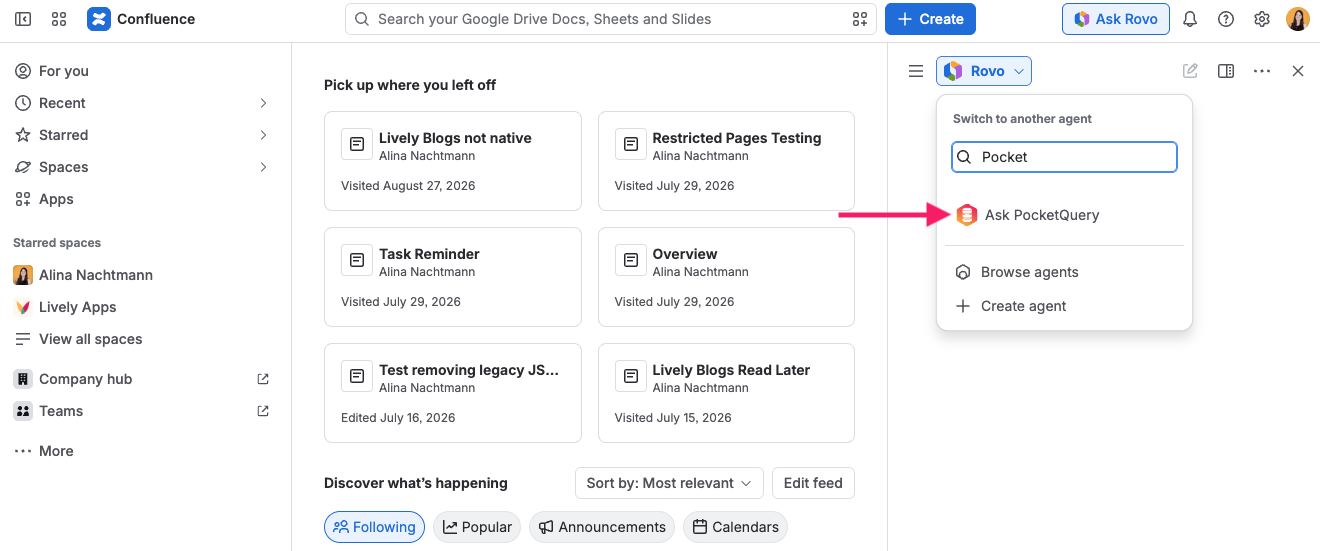
Rovo must be enabled on your Confluence site for the agent to appear. Open Rovo chat, browse the agents, and select Ask PocketQuery.
Prepare Queries for the agent
Only Queries with a Business Question are offered to the agent. In the PocketQuery admin:
-
Open a Query.
-
Fill in the Business Question field with the question the query answers, in your own words - for example “How many customers do we have per region?”.
-
Save the Query.
Queries without a business question are not listed when someone asks what PocketQuery can answer.
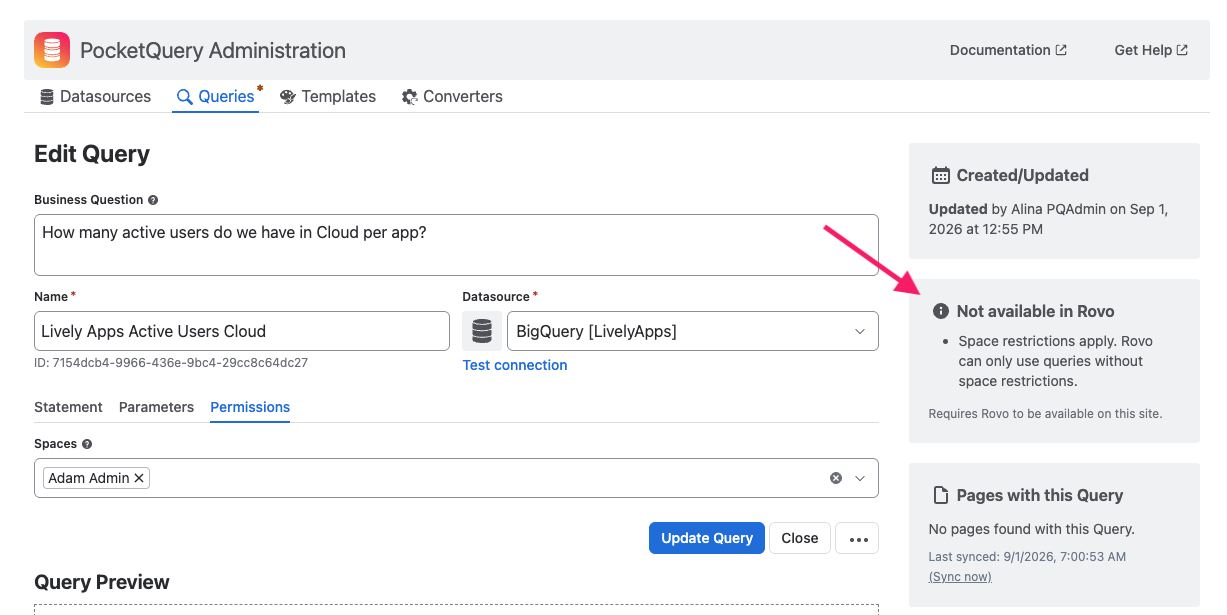
While editing a Query, the sidebar shows whether the Query is Available in Rovo or Not available in Rovo, together with the reasons that apply. Use this card to see at a glance which Queries the agent can use and what you might need to adjust.
Ask a question in Rovo chat
Open Rovo chat and select the Ask PocketQuery agent:
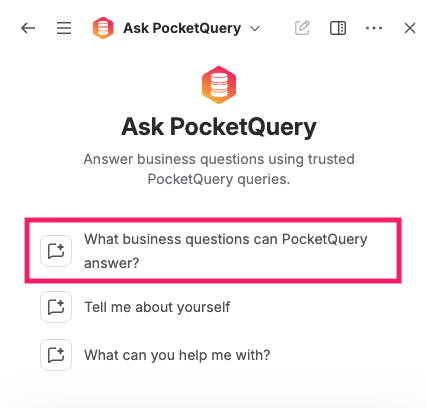
You can start with the conversation starter “What business questions can PocketQuery answer?” to see the business questions you have configured:
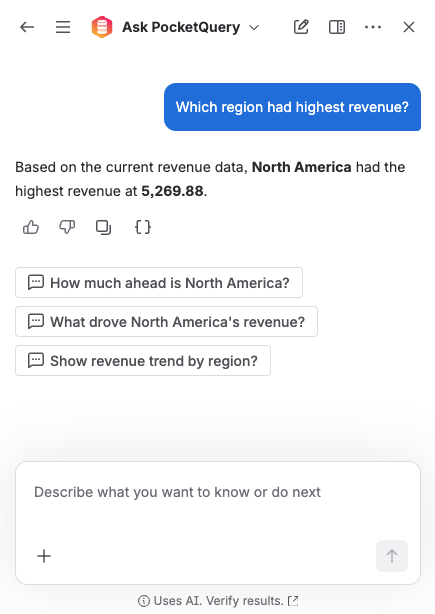
Or ask a question in your own words, including in other languages. The agent matches your question to a suitable Query, asks for any missing parameter values by name, and returns the answer as data. It does not expose Query IDs or internal details.
If a Query parameter has no default value, the agent asks you for that value before running the Query. Provide the value in your reply and the agent completes the answer.
Which Queries the agent can answer
The agent answers from chat only when a Query meets all of the following:
-
The Query has a Business Question set.
-
The Query has a Datasource selected.
-
The Query is not restricted to specific spaces (or the restriction does not block chat access).
-
The Query statement does not rely on page, space, macro, or user context placeholders that Rovo cannot supply in chat.
If a Query cannot be answered from chat, the agent explains that instead of returning data. Queries that depend on the Confluence page where a macro runs still work in the macro as usual - only chat answers are affected by these limits.
Learn more about query properties in Queries and about the business question field in the Business Question section on that page.
Ask PocketQuery and PocketQuery Builder
Ask PocketQuery answers questions from Queries that already exist. To create or edit a Query in Rovo chat, or to try a draft Query before saving it, use PocketQuery Builder instead.